 everydar
Back on the radar.
Need a hand with everydar? Start here, or contact Blockchainia LLC.
Include your iPhone model, iOS version, everydar version and what happened. Avoid sending passwords, payment details or other sensitive information.
How do I start a search?
Enter a detector name and target on Setup. Hold the phone face up, flat and still until “Level calibrated” appears, then tap Continue. Tilt the top edge forward or back to trigger a contact. Return near the starting position to stop it.
Continue is disabled. What should I do?
Both text fields need content, and the phone needs a stable flat calibration. Hold still for about a second. If your comfortable starting position has changed, tap Reset and calibrate again. An upright or face-down phone cannot calibrate.
The alarm is too sensitive, or too hard to trigger.
Change Trigger tilt on Setup. The range is 7°–28°; the default is 14°. A higher value requires a larger forward or backward tilt. The return-to-level tolerance remains forgiving so the alarm stops promptly.
How do I return from the radar?
Swipe left across the radar screen. With VoiceOver, use the escape gesture. Sound and custom text settings are remembered.
Why is there no sound?
Enable Sonar sound on Setup, check your iPhone’s Silent Mode and increase the media volume. Check whether audio is playing through headphones or another route. Motion and sound pause when the app is inactive.
How do I remove the advertisement?
Choose Remove Ads on Setup and confirm the one-time purchase in Apple’s purchase sheet. The current localized price appears before you confirm. It removes the Setup banner; all detector features are already included without a purchase.
I already paid. How do I restore it?
Use the same Apple Account that made the purchase, then tap Restore Purchases on Setup. A pending Ask to Buy request unlocks only after approval. A refunded or revoked purchase no longer provides ad-free access. Apple manages billing and refund requests through Report a Problem.
How do I change my ad privacy choices?
When required for your region, an Ad Choices control appears on Setup and reopens Google’s privacy options. The app requests contextual ads and does not ask for access to the advertising identifier. See the privacy policy for data processed by the advertising SDK.
Does everydar really detect my chosen target?
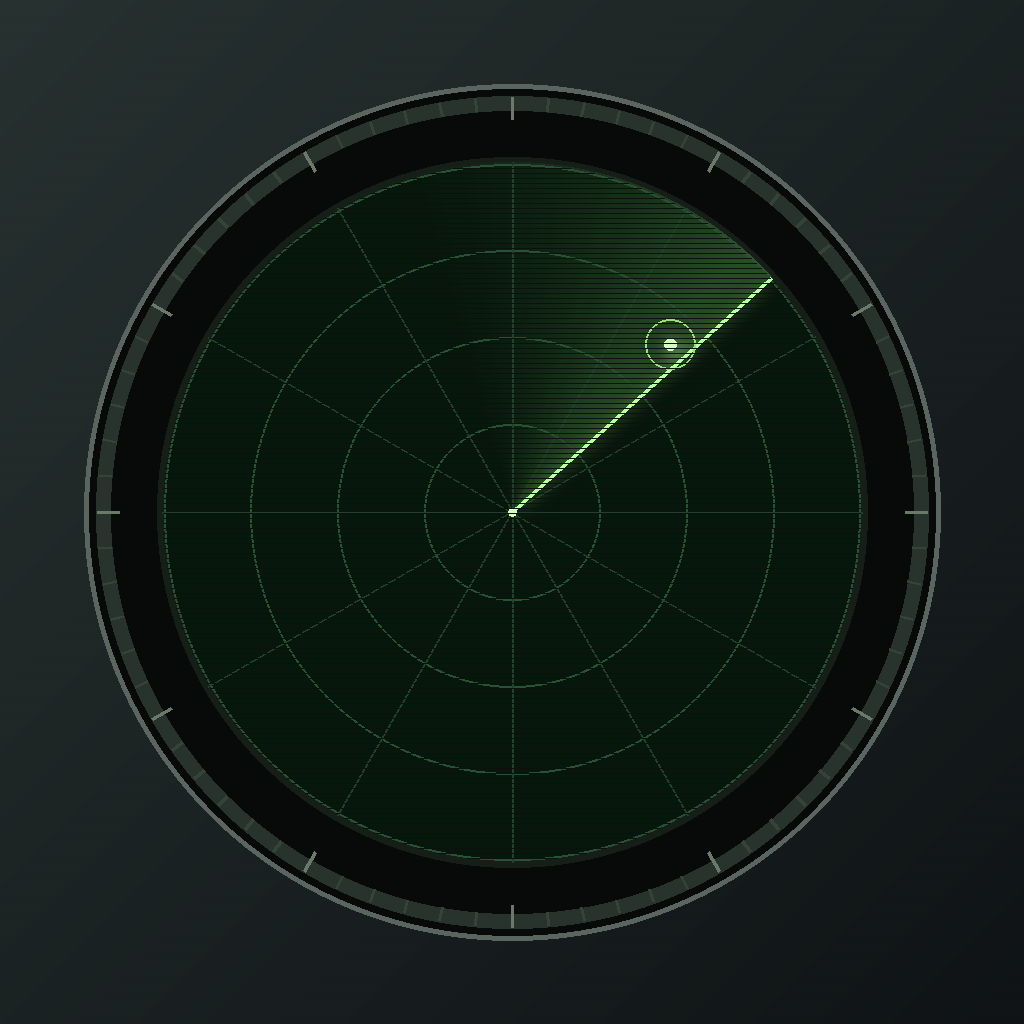
No. everydar is a role-playing tool with a fictional radar display. Your phone’s tilt controls the contact and alarm. It is not a real detector and should never be used for safety, medical, security or navigation decisions.